

Write the workflow
nelkap/workflows/send-weekly-report.ts
- It works out when last week started. The date is a step, so every call of the run reports on the same week, even one that picks up after midnight.
- It counts the sign-ups, the orders, and the revenue side by side, as three steps saved on their own.
- It emails the report, with an idempotency key built from the week, so the email goes out once even if a crash cuts the step off before it’s saved.
lib with your own queries and your email provider.
Schedule
Register the workflow with its schedule:nelkap/index.ts
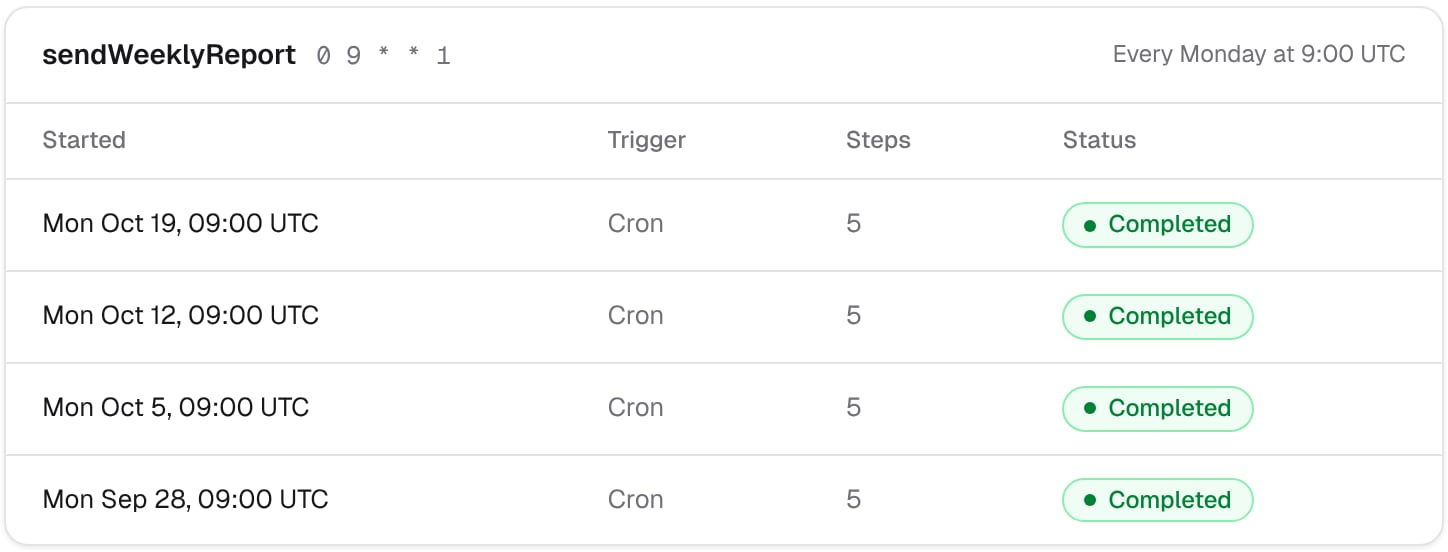
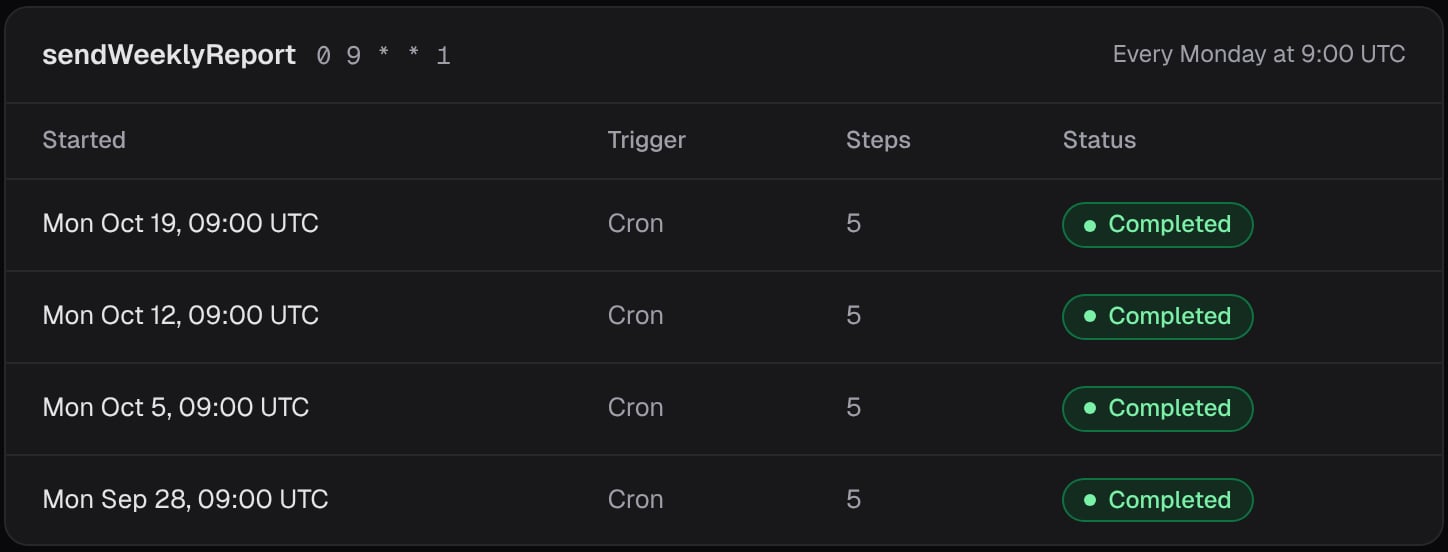
0 9 * * 1 starts a run every Monday at 9:00 UTC. Once your app has registered it, nothing else in your code starts the report. See Schedules to write your own.
Test it
You don’t have to wait for Monday. Start a run from any server code of your app:View the runs
Filter your project’s runs by the workflow: each Monday shows one run, with Cron as its trigger. Open one to see the week it covered, the three counts, and the email. If Nelkap couldn’t start runs for a while, the Mondays missed meanwhile give a single run, so your team never gets a pile of reports at once.Going further
- Record the week’s conversion rate with
step.score, to chart it week after week. - Send each customer their own report: list them in a step, and start a run for each one. See Fan-out.